How Does PhysioVeda Academics Work? A Practical Walkthrough
See how PhysioVeda Academics works: choose a subject, read a summary, practise MCQs, review explanations and continue learning. Follow the current access steps.

Key Takeaways
- Understand the connected learning, practice, testing and revision process.
- Move from healthcare subjects into focused topics, summaries and related MCQs.
- Use answer explanations and performance insights to identify weaker areas.
- Support exam preparation with structured revision and repeated practice.
- Use the platform alongside formal teaching, textbooks and professional guidance.
PhysioVeda Academics connects subject overviews, question practice, feedback and further revision. Follow the current public learning route below: open an available subject, read its overview, try a sample set and check the relevant access plan. The walkthrough uses labels visible on the Anatomy page.
Updated · PhysioVeda Academics Editorial Team
Follow the current learning route step by step
This walkthrough follows the public subject, sample-practice and access pages checked on 4 November 2026. The precise topic controls available after sign-in can depend on the resource and your active access.
Choose an available subject. Open the subject catalogue and select the learning area you need. Check the availability label; a card marked “Coming soon” is different from an open learning resource.
Read the public overview. For example, the Anatomy page provides a Read Subject Summary link and a free general subject overview. Use it to orient yourself before selecting a narrow topic.
Try a real question set. The Anatomy overview includes sample questions and links to upper-limb practice and brachial-plexus practice. Attempt each question before opening its answer and explanation.
Turn the explanation into a next step. Record the relationship you missed or guessed. Return to the relevant summary or reference, then try a fresh item. The revision-note template provides a place to keep that correction.
Check the complete learning access. The Anatomy page offers Log In and View Full Access Plans links for continuing beyond the public overview. Read the current plans for the available subjects, practice, tests, results and 3D Anatomy Lab.
Use the appropriate assessment route. The subject page also provides a Final Test link. Read its on-screen instructions and access requirements before beginning; a free blog sample is a different activity from a subject assessment.
Continue or ask for help. Return to the subject you are studying, choose your next available topic or contact the team if access does not match your plan.
A short route for a first visit
| What you want to do | Open this page |
|---|---|
| See the available learning areas. | Subject catalogue |
| Read an overview and attempt public examples. | Anatomy overview |
| Try the demonstration experience. | Demo Test — JavaScript is needed for its interactive controls. |
| Compare access durations and terms. | Full Access plans |
| Read what the platform is designed to offer. | Platform overview |
The pricing page currently lists USD 141 for six months and USD 222 for one year. Both durations include the same listed Full Access learning features. Follow the current page instructions for account and checkout steps; this walkthrough does not replace those terms.
How Does PhysioVeda Academics Work in Practice?
How does PhysioVeda Academics work when a learner starts a study session? The process begins with a subject, narrows into a topic and then connects learning material with question practice and revision.
How the Platform Organises Healthcare Learning
The platform is built around healthcare subjects because many areas are interconnected. Anatomy supports understanding of human structure, Physiology explains normal function, Pathology introduces disease processes and Pharmacology addresses medicines and mechanisms.

The current subject library displays 39 subject areas across foundational sciences, physiotherapy, clinical and rehabilitation subjects, research and professional learning.
Topic-Wise Medical MCQs and Healthcare MCQ Practice
Reading remains essential, but active recall can reveal gaps that passive review may hide. Medical MCQs and healthcare MCQs can support knowledge self-assessment, topic-focused revision, exam preparation and repeated practice of difficult areas.
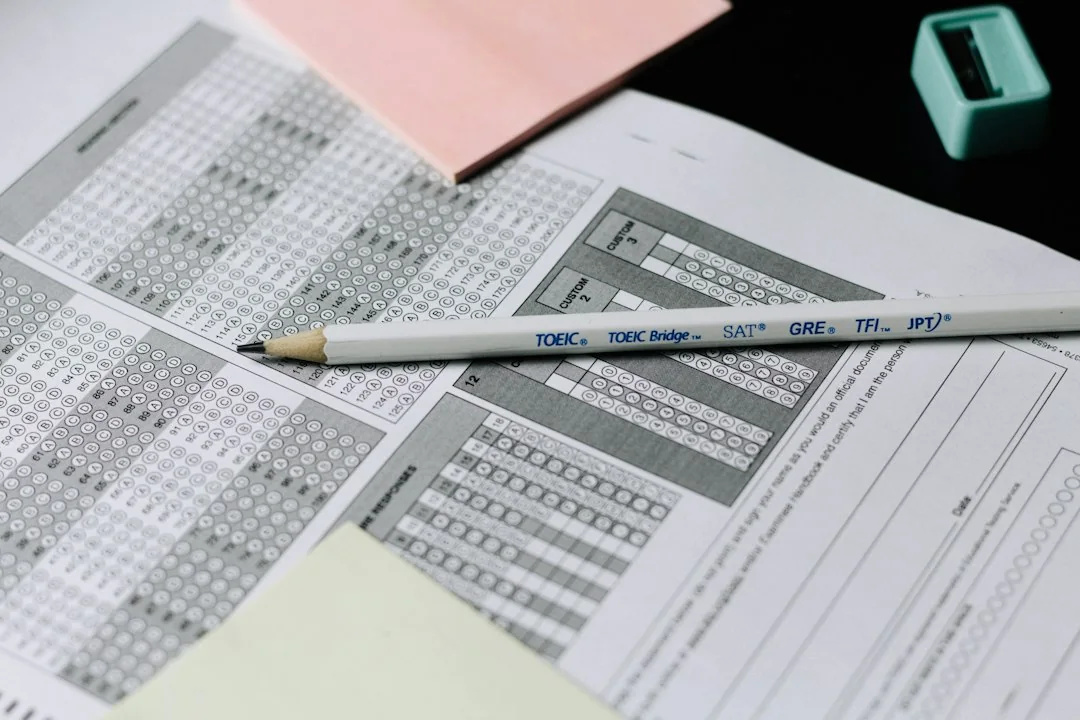
Questions are not treated as a replacement for understanding. A learner can review a concept, practise a related question, read the explanation, recognise a weaker area and return to the underlying material.
How Does PhysioVeda Academics Work for Exam Preparation?
How does PhysioVeda Academics work when an examination is approaching? A practical sequence is to choose the examination subject, divide it into topics, review a focused summary, attempt related questions, study explanations, identify uncertain areas, revise and practise again.
This workflow can support medical exam preparation, physiotherapy exam revision and other healthcare study goals, but it does not guarantee examination results.
How the Learning Cycle Continues
The process is designed to repeat. Healthcare knowledge develops across years of study and professional practice, so the platform supports continued review rather than a one-time study session.
Additional resources include timed tests, Knowledge Search across active subjects and an interactive 3D Anatomy Lab.
Frequently Asked Questions
How does PhysioVeda Academics work?
Learners choose a healthcare subject, select a topic, review structured material, practise related MCQs, study explanations, analyse weaker areas and return to those topics for further revision.
Is PhysioVeda Academics only for physiotherapy students?
No. Relevant subjects support learners across multiple healthcare disciplines.
Can the platform support exam revision?
It can support structured revision through summaries, related questions, explanations and performance information.
Conclusion
In practical terms, how does PhysioVeda Academics work? It connects structured healthcare learning, academic summaries, medical MCQ practice, answer explanations, tests and revision into a repeating cycle for healthcare students and professionals.
WordPress Tags
This guide describes the platform’s current learning model as of 23 September 2026 and is intended as supplementary healthcare education content.